
Locations
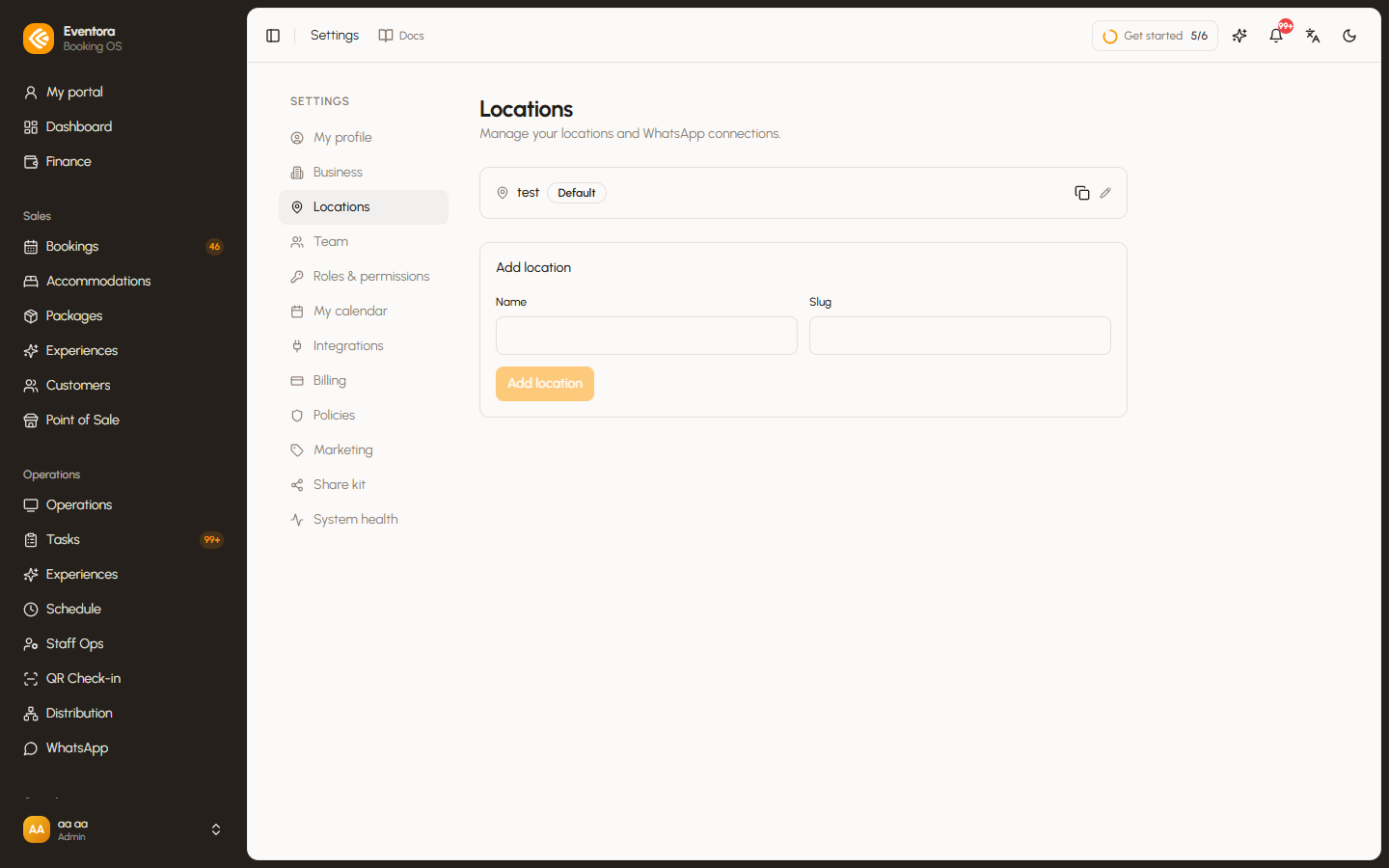
Eventora supports multiple locations (properties) under a single account. Each location has its own products, bookings, and settings.
Adding a location
- Go to Settings → Locations
- Click New Location
- Enter the location name and any relevant details
- Save
Default location
One location is designated as the default, shown with a badge in the location list. The default location cannot be deleted from the UI, and there is currently no way to change which location is default once set.
Each location also has a Copy booking URL action to grab its public booking link directly.
Switching locations
Use the location selector in the top of the left sidebar to switch between properties. Most sections (bookings, products, analytics) are filtered by the currently selected location.
Deleting a location
A location can only be deleted if it has no active bookings or products associated with it. Archive products and resolve bookings before deleting.
Single-property businesses
If you operate a single property, one location is sufficient and you do not need to configure multiple locations. The location selector will not appear prominently in the UI.