
Operations Hub
Operations is the day-of command center for a live retreat week. Open it from the sidebar (Operations). The old /tv route redirects here.
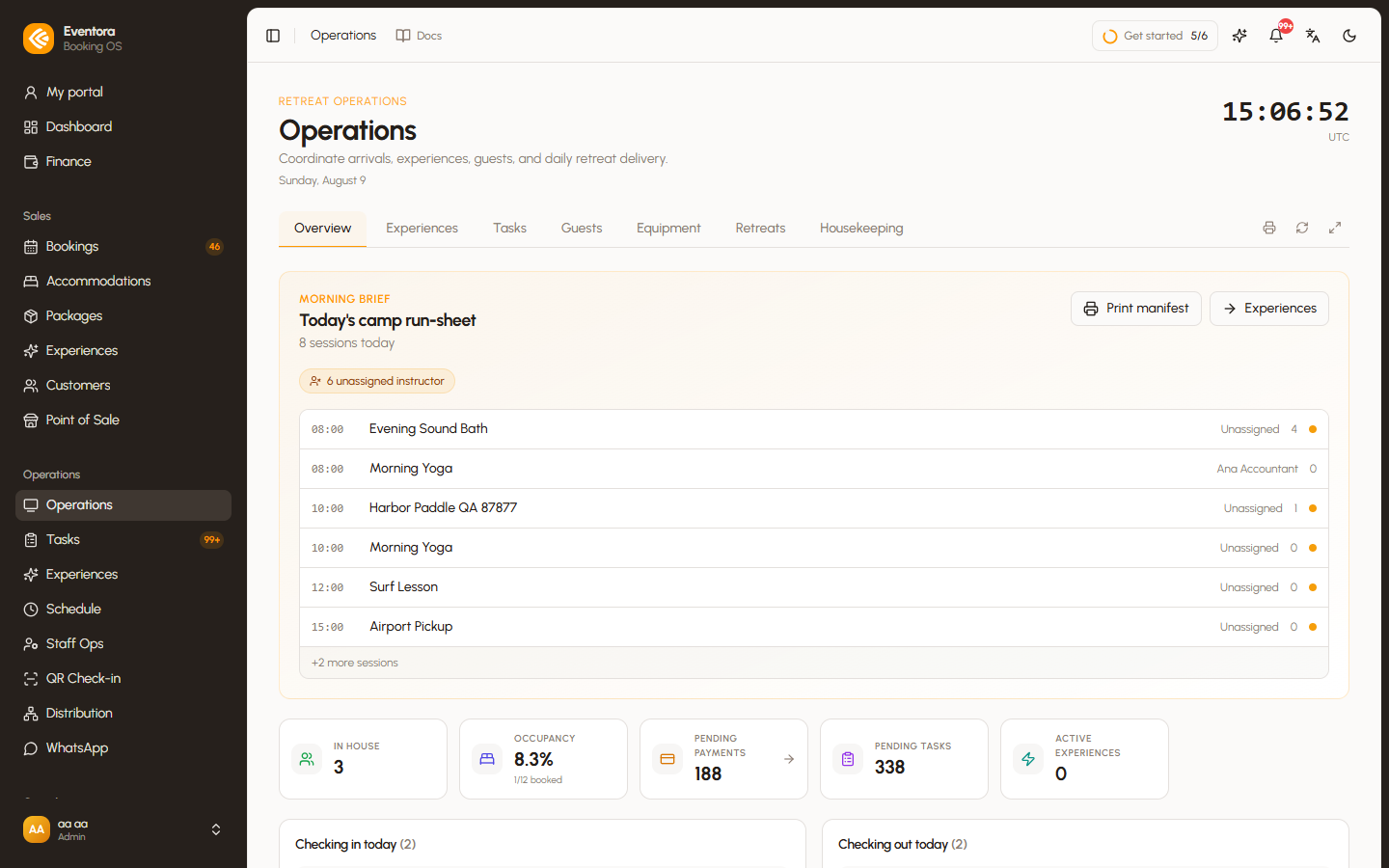
What you'll find
| Area | Use it for |
|---|---|
| Overview | Snapshot of today's program, occupancy, and alerts |
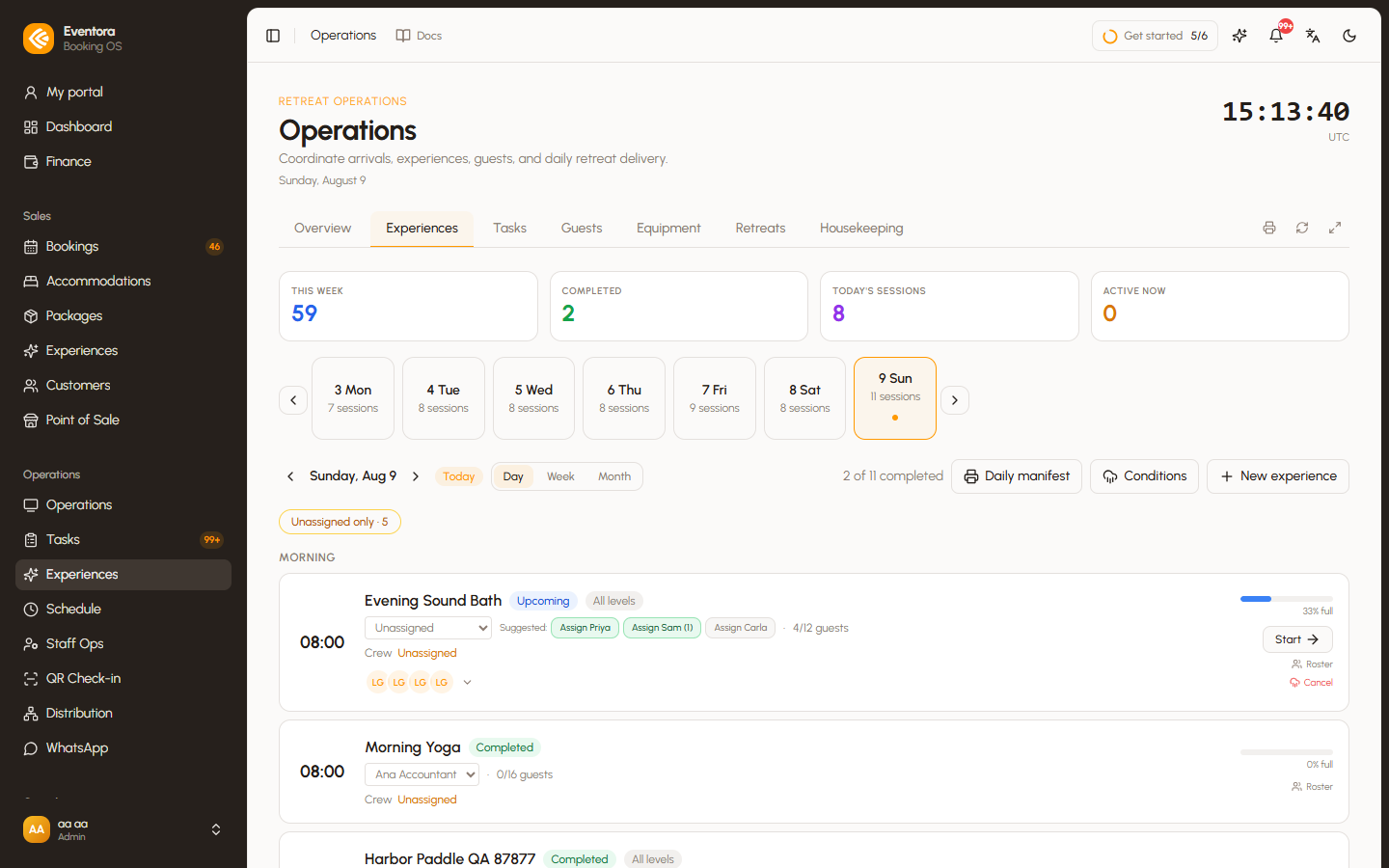
| Experiences | Sessions running now / next — start/complete, assign instructors, check guests in |
| Tasks | Housekeeping, prep, turnovers, assigned work |
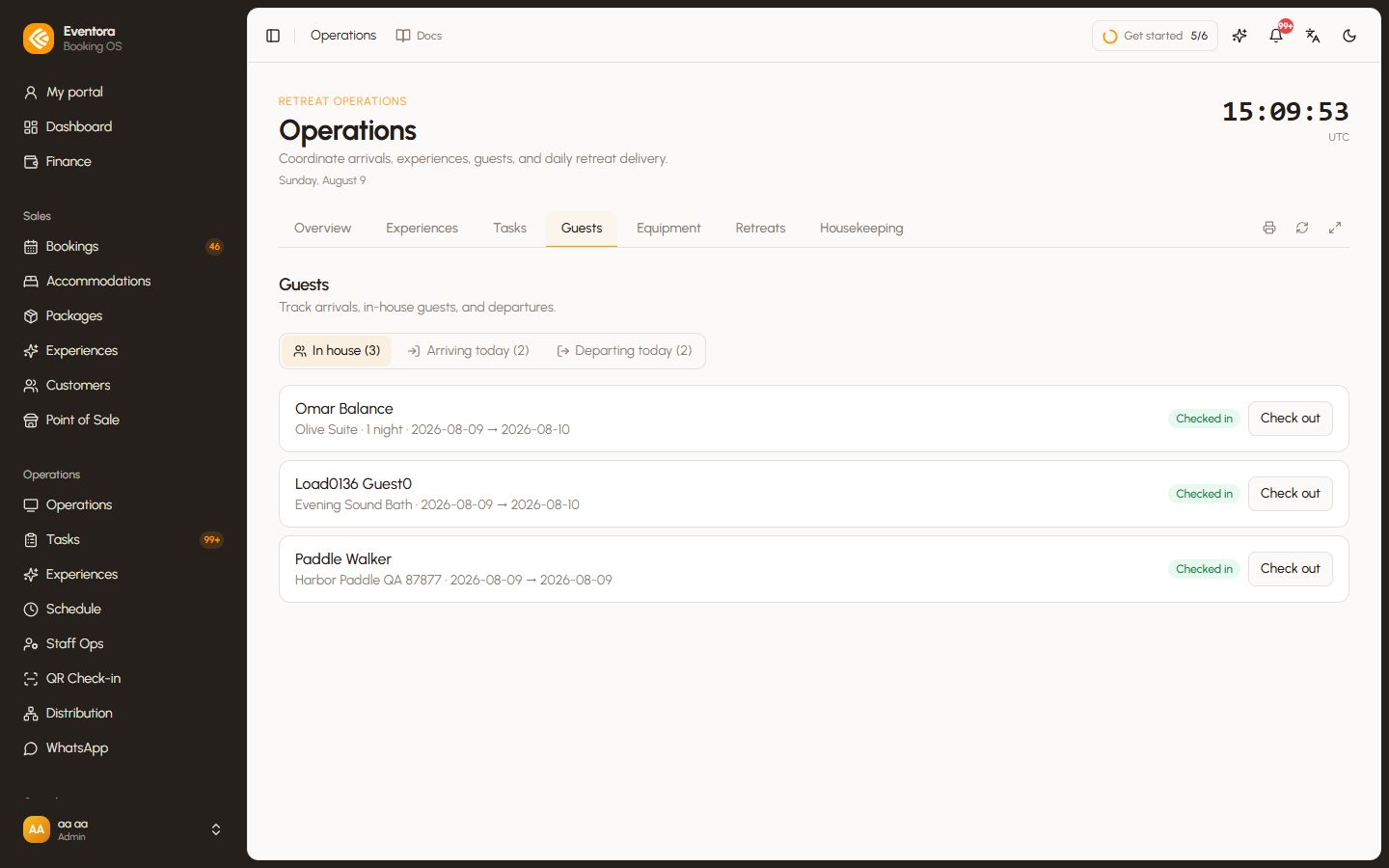
| Guests | Arriving, In house, and departing — including same-day activity guests after check-in |
| Equipment | Gear / rental tracking when enabled |
| Retreats | Retreat program/session planning (retreat vertical) |
| Housekeeping | Room turnover board (hospitality vertical) |
| Briefs / manifests | Morning brief and printable-style guest lists |
Exact tabs depend on your location type, vertical, and feature flags (e.g. staff ops, rental ops).
Guests tab tips
- In house includes overnight stays and same-day experiences once the guest is checked in.
- Departing today is for overnight check-outs (not same-day activities that already finished).
- Use Check in / Check out on the row without opening the full booking.
Experiences tab tips
- Sessions without an instructor show as unassigned — pick a name from the suggestions / Assign chips.
- Start and complete sessions from the same board; guest roster and check-in live on the session detail.
Staff self-service
Team members without full admin access should use the Staff Portal for their day board, tasks (with guest contact), time off, pay snapshot, and personal calendar subscribe.
Plan coverage on the Staff Schedule roster (shifts + tasks + time off).
Related
Tip
Cast Operations on a lobby or back-office screen during check-in days — that replaces the older standalone “TV display” concept.
Day-of story version: Run arrival day.