
Run arrival day
Story: Guests booked. Today is arrival / program day. You need to know who is in house, run sessions, take payment if someone still owes, and keep staff moving — without hunting through every sidebar item.
Outcome: Check-ins done, today’s sessions staffed and started, outstanding balances visible.
You need: At least one confirmed / waiting booking for today (use Sell the week first if the catalog is empty).
Morning board — Operations Overview
Sidebar → Operations
Read the morning brief first: today’s sessions, unassigned instructors, occupancy, pending payments / tasks.
When last night’s co-pilot ran, you may also see Tomorrow's AI run sheet under the morning brief — open AI Recommendations to acknowledge it or assign suggested instructors.
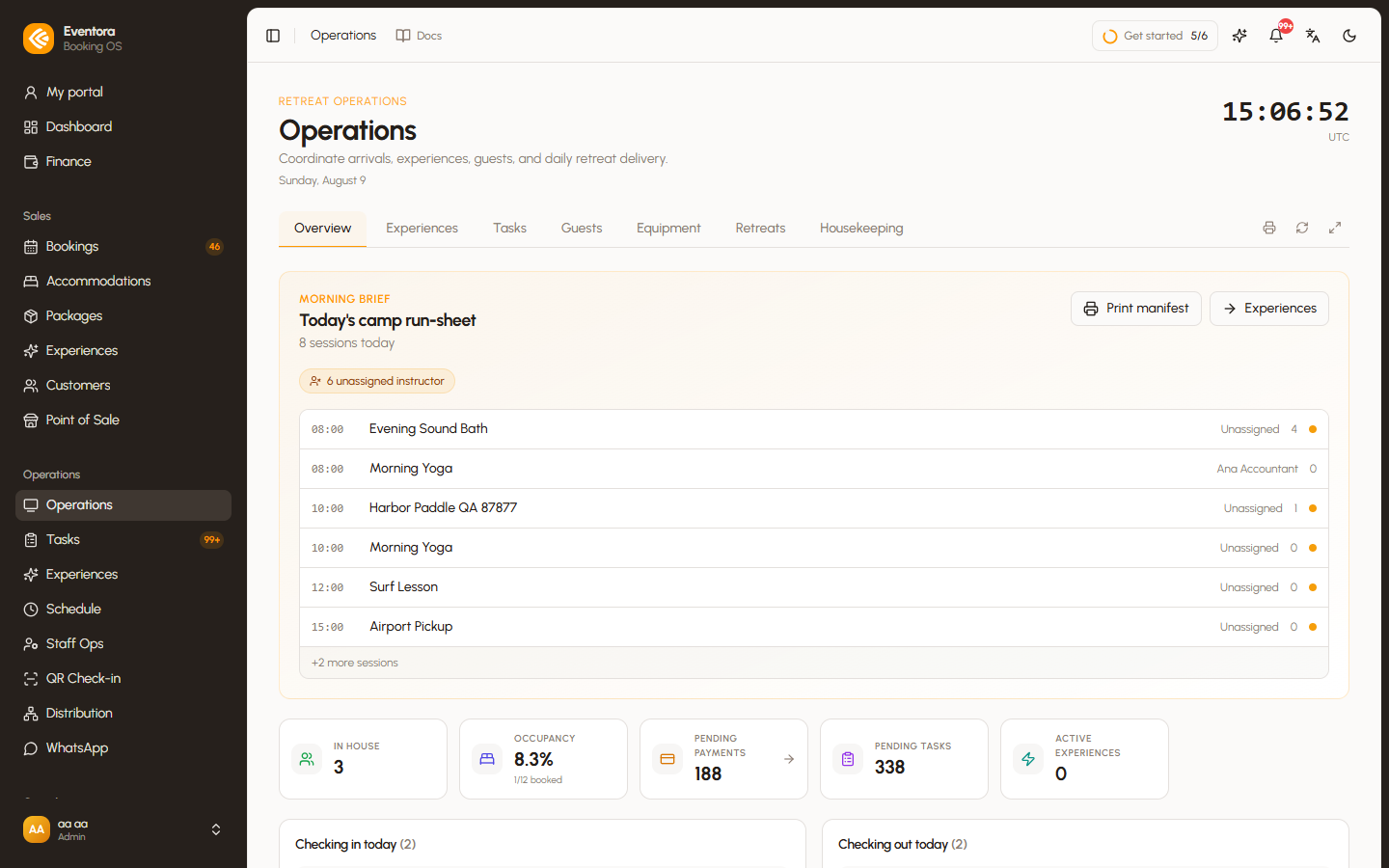
Print Daily manifest from the header actions if front-desk wants a paper run-sheet.
Deeper reference
Who is here — Guests tab
Operations → Guests
Three buckets:
| Filter | Meaning |
|---|---|
| In house | Checked-in overnight stays and same-day activities after check-in |
| Arriving today | Expected check-ins |
| Departing today | Overnight check-outs (not finished same-day activities) |
Use Check in / Check out on the row — you do not need to open the full booking every time.
If the booking is waiver-required and the guest has not signed, check-in is blocked. Eventora creates a high-priority ops task and an AI Check-in blocked — waiver card so you can send the signing link. The block clears when the waiver is signed.
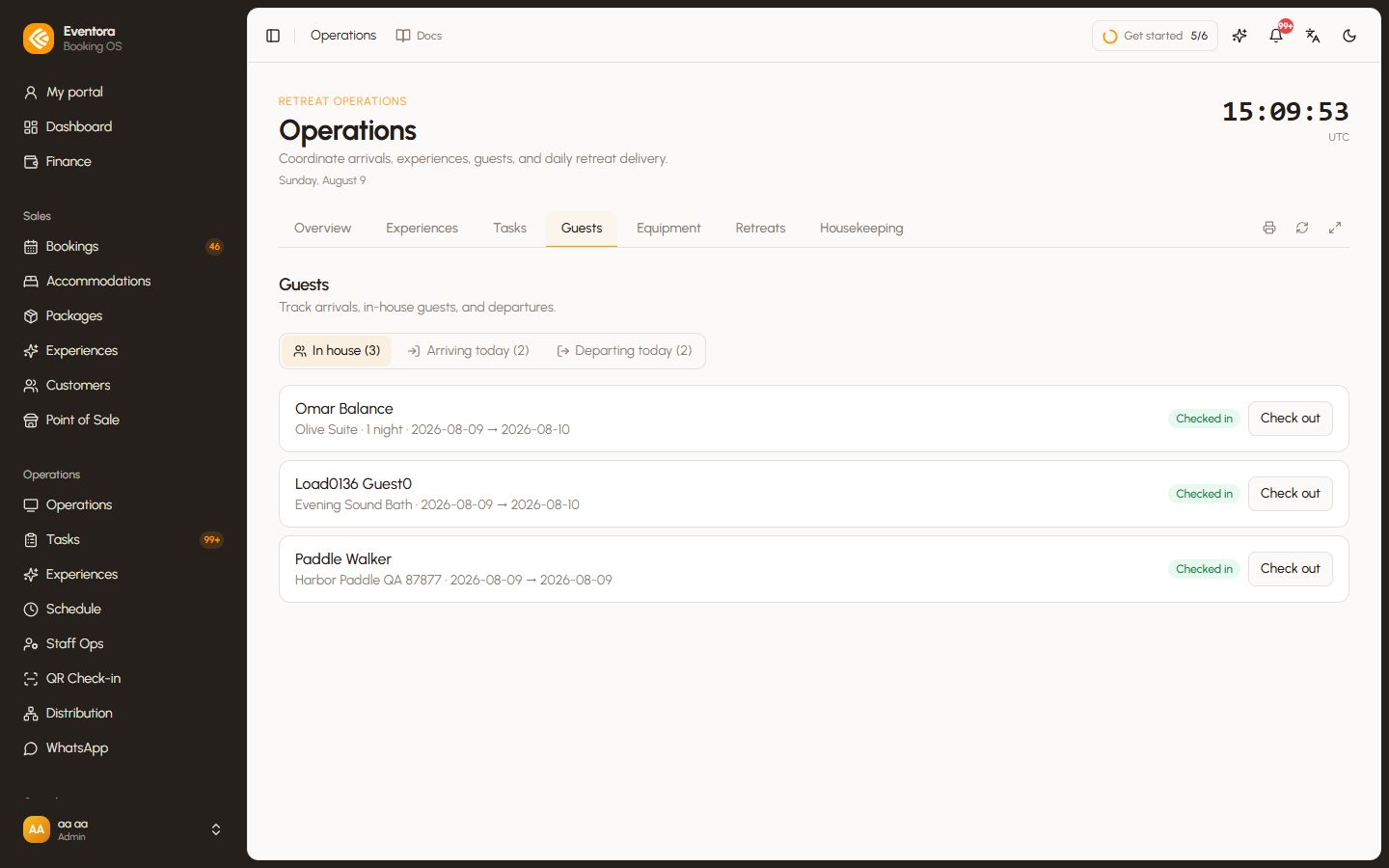
Tip: A same-day paddle or yoga guest who checked in stays under In house until you check them out — they should not vanish into “departing” just because start and end are the same calendar day.
Run the program — Experiences tab
Operations → Experiences
- Filter Unassigned if instructors are missing
- Use Assign Name suggestion chips (one click) or the dropdown — or let instructors Accept from My portal → Offers
- Start → when the session begins; complete when it ends
- Open Roster to check guests into the session
Overlapping assign attempts are blocked (no double-booked instructor).
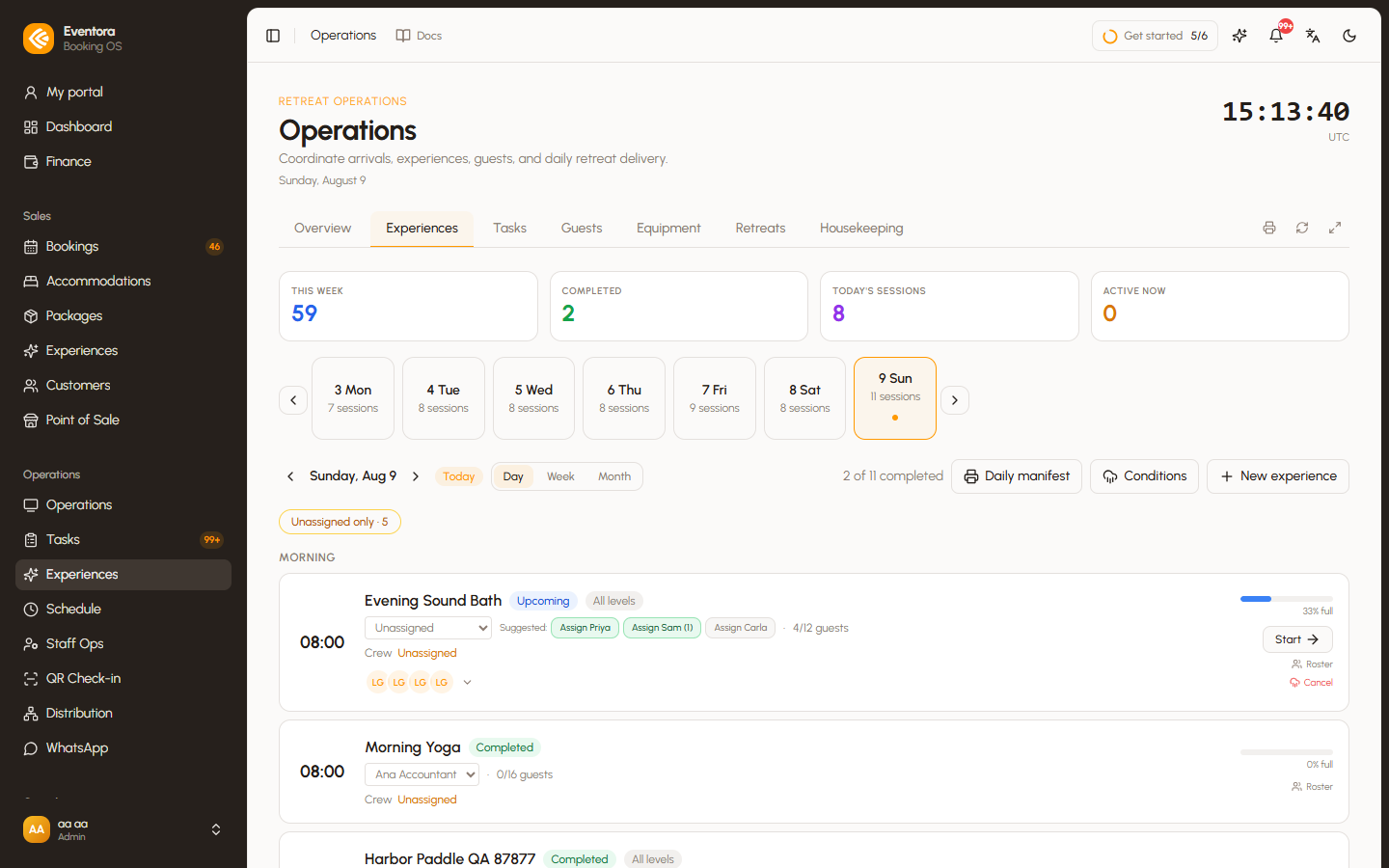
Session length comes from the product’s Duration (hours) — if a 90-minute class was saved as 90 instead of 1.5, fix the product so ops and payroll stay sane. See Sell the week → experience.
Deeper reference
Money on the floor
Still owed today
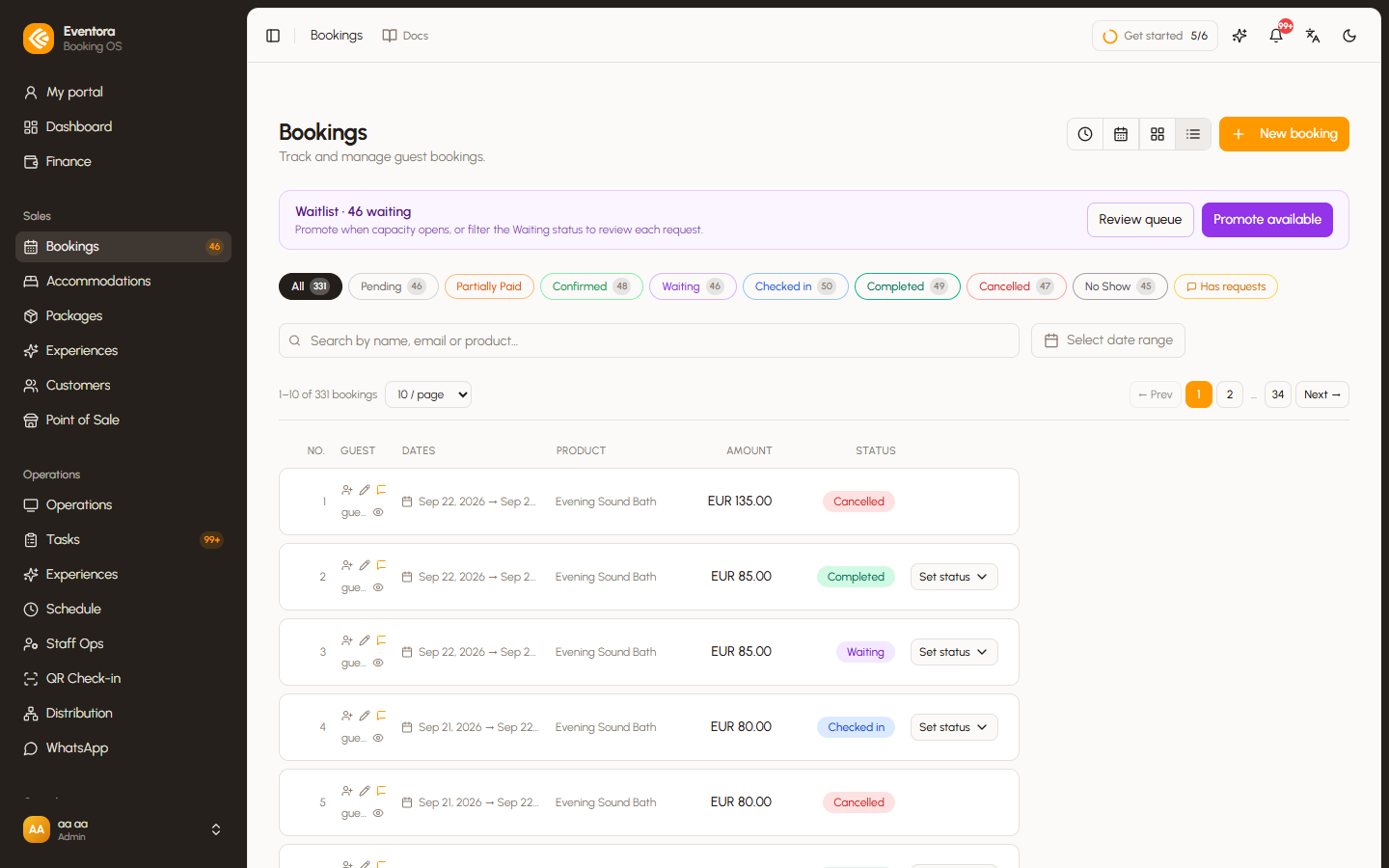
Sidebar → Bookings — filter Waiting / Partially Paid, or search by guest name.
From the booking detail:
- Record a payment (cash / card / link)
- Folio Due should update after pay — refresh if the panel looks stale
Period snapshot (optional mid-day)
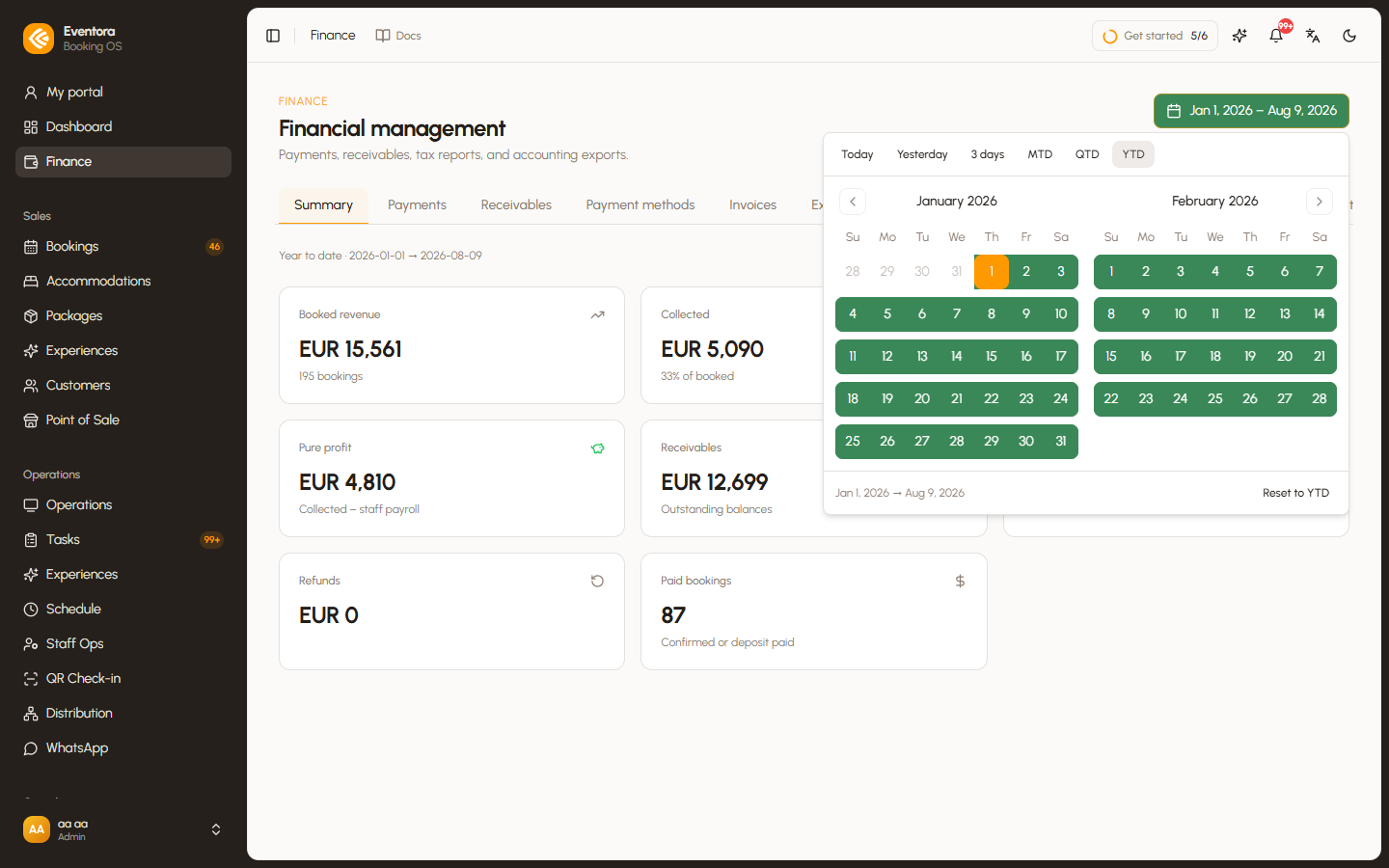
Finance → Summary — use the date chip (Today / 3 days / MTD / YTD). Receivables is always “as of now,” even if the period is YTD.
Staff without full admin access
Owners / managers: full Operations.
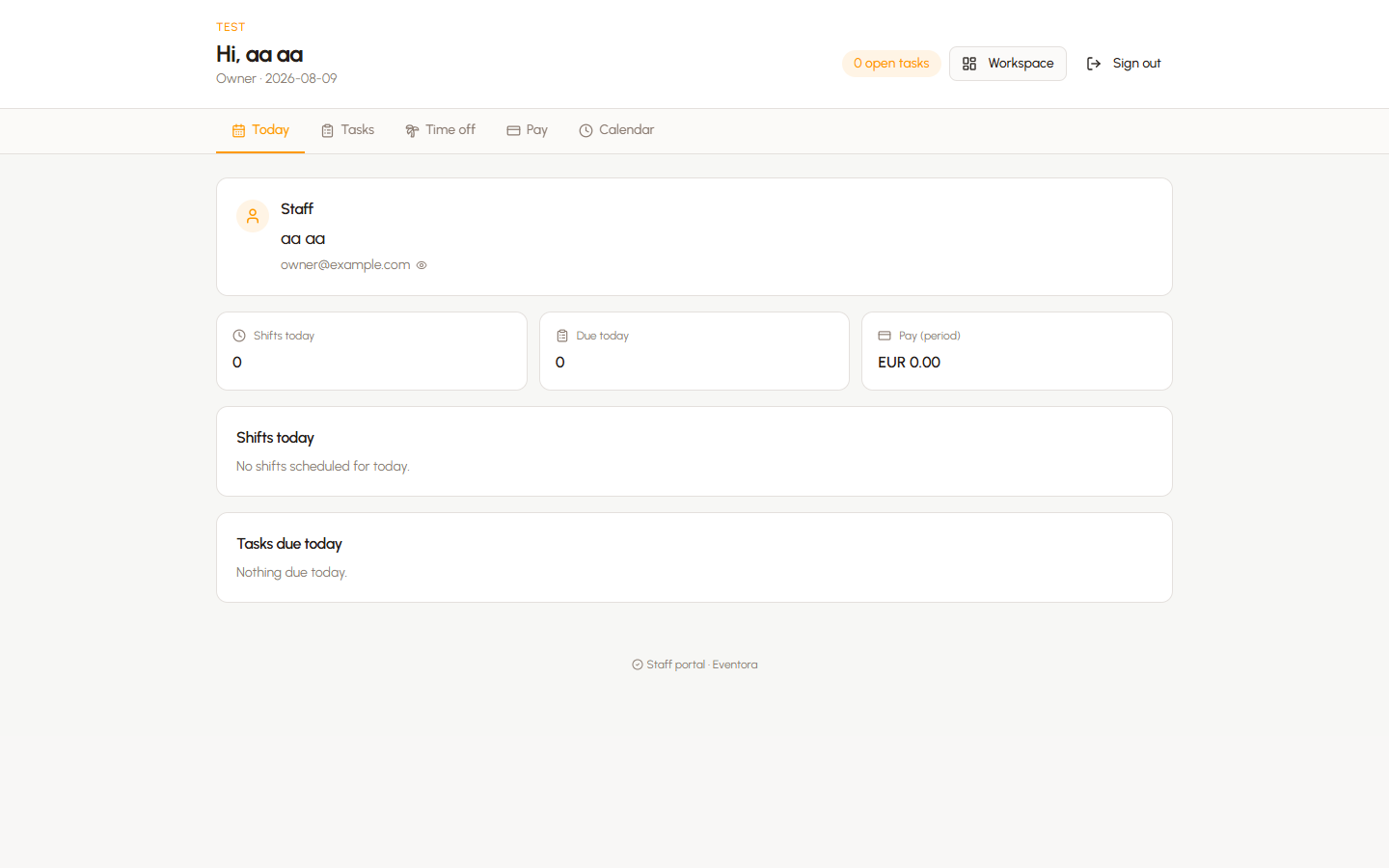
Front-line staff: My portal (/portal)
| Tab | Use |
|---|---|
| Today | Their shifts + tasks due + offer teaser |
| Offers | Accept / Decline session assign offers |
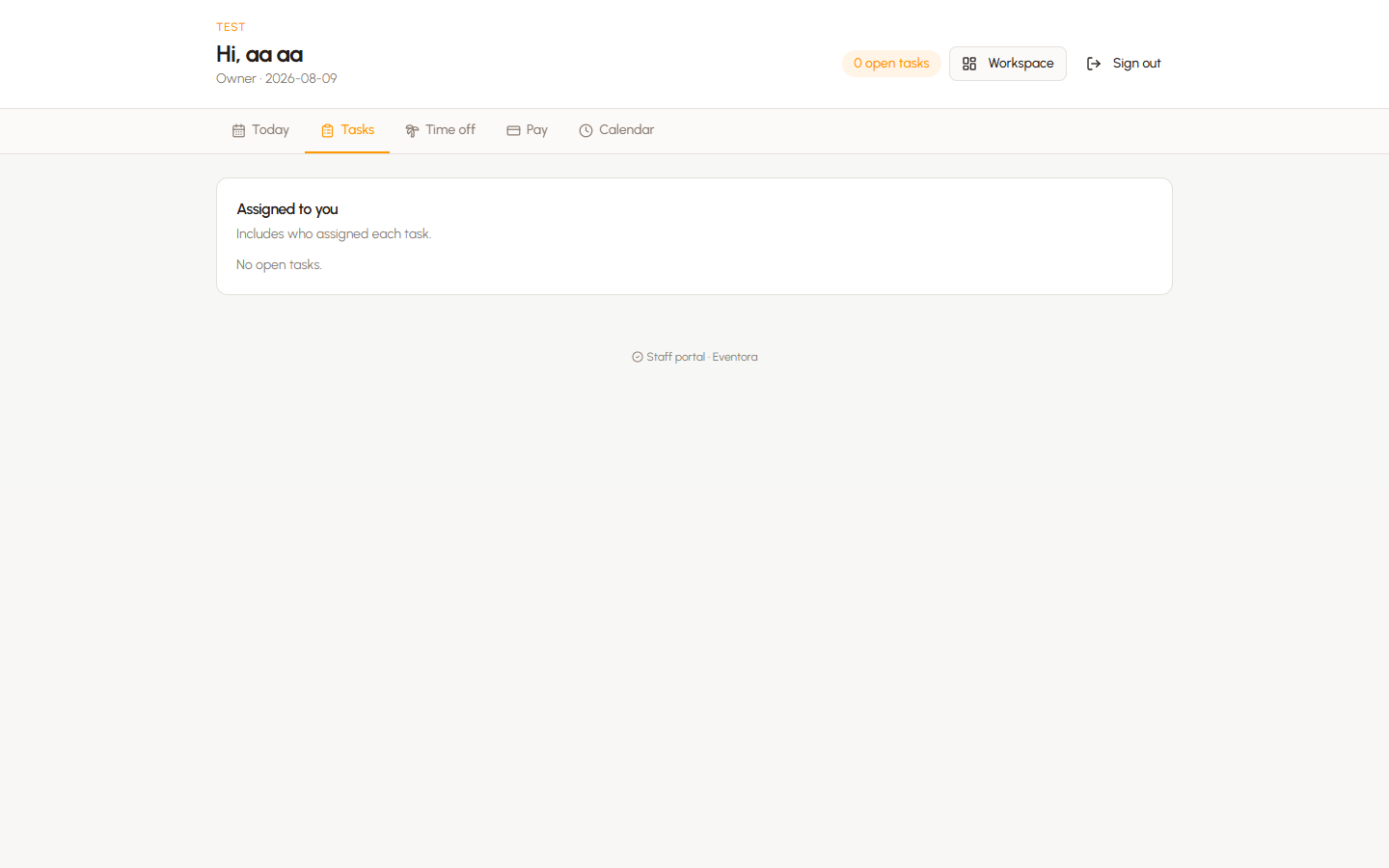
| Tasks | Start / Done, guest contact when linked |
| Pay | Period snapshot (rates come from Staff Ops) |
| Calendar | Subscribe once (Google / Apple / Outlook) |
Roster coverage for the week: Schedule (shifts + tasks + time off).
Deeper reference
End-of-day checklist
- [ ] Arrivals checked in; same-day activity guests appear under In house when expected
- [ ] Today’s sessions assigned, started, completed (or cancelled with a reason)
- [ ] Waiting / partially paid balances collected or payment links sent
- [ ] Critical tasks Done or handed to next shift
- [ ] Tomorrow’s unassigned sessions spotted on Overview / Experiences (or Offers accepted in the portal)
- [ ] Pending AI cards reviewed if yield / ghost-capacity / journey nudges appeared
Next playbooks
- After the week: Collect & close
- Messaging / website later: Grow after you’re live