
Staff Portal
Staff get a personal My portal at /portal — a guest-style home for their day, not the full back office.
Staff accounts land here after sign-in. Owners and managers can open it from the sidebar (My portal).
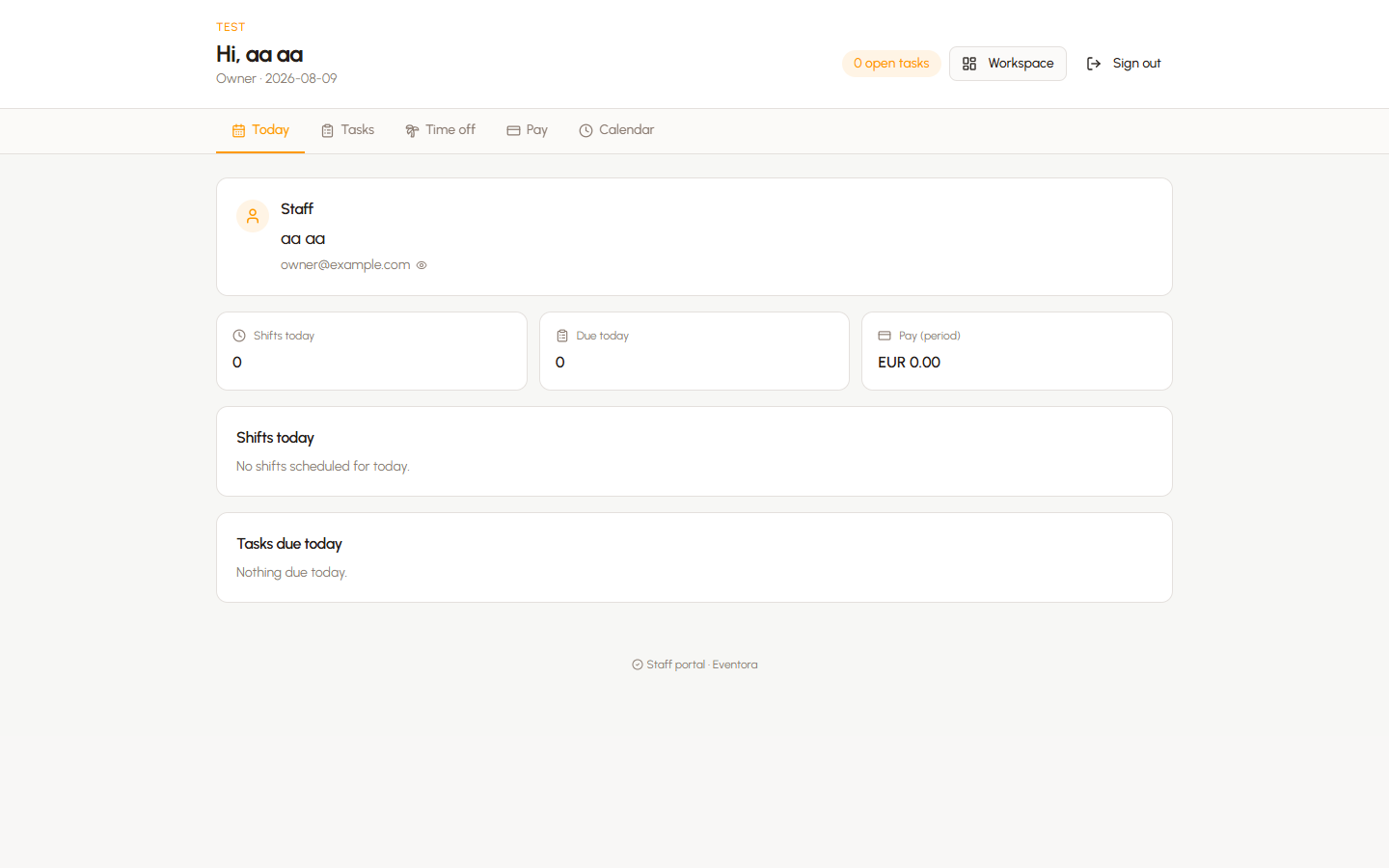
Tabs
| Tab | What it shows |
|---|---|
| Today | Shifts today, tasks due today, session-offer count, pay snapshot for the current period |
| Offers | Pending session assign offers aimed at you — Accept takes the session, Decline releases it for someone else |
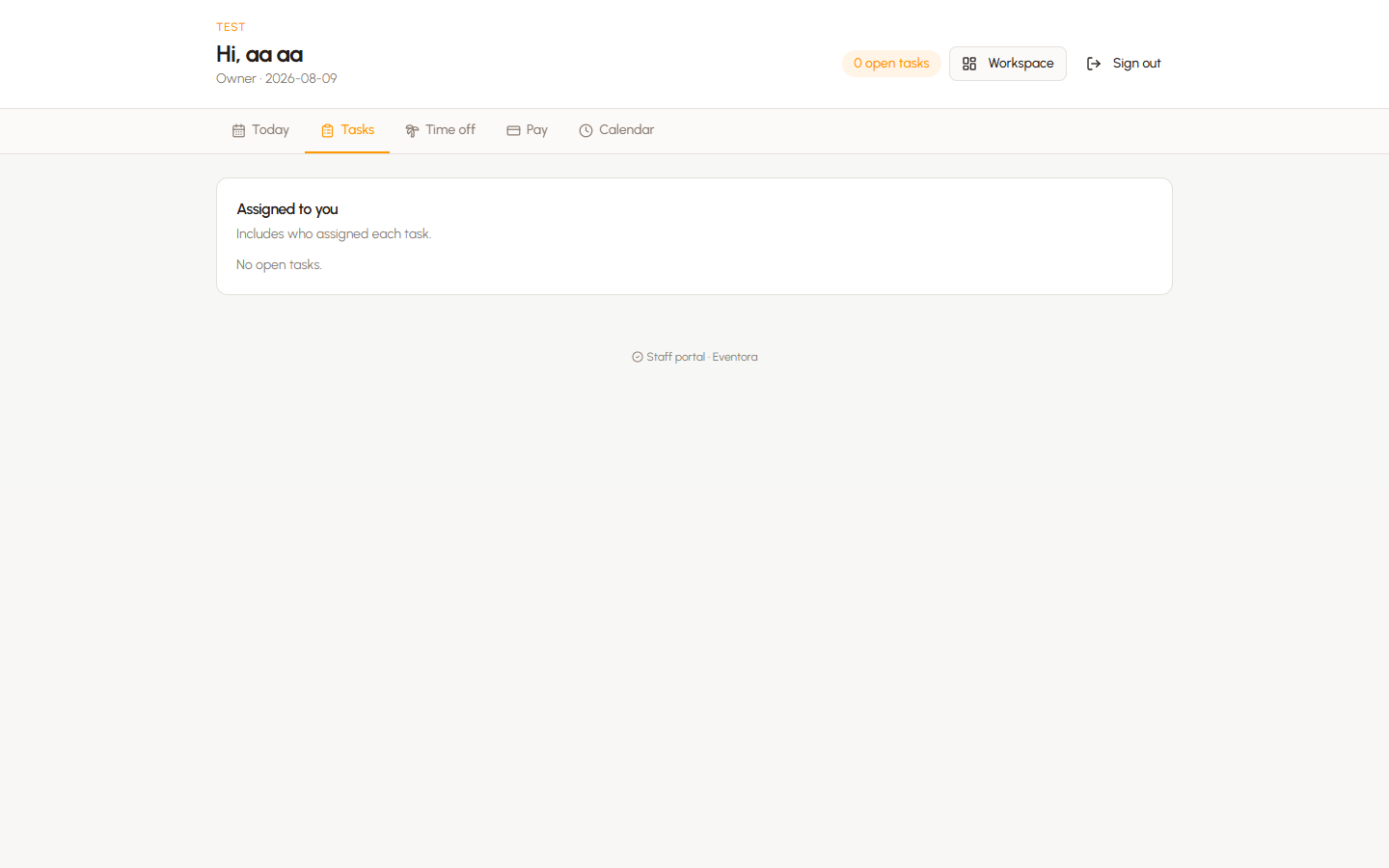
| Tasks | All jobs assigned to you, with who assigned them and guest contact when linked to a booking |
| Time off | Request leave and see your absences |
| Pay | Your rates, estimated pay for the period, shifts counted, and time off in that period |
| Calendar | Live ICS subscribe link (Google / Apple / Outlook) — no Settings permission required |
Session offers
When AI (night-before or weekly marketplace) suggests you for an unassigned session, the offer appears here as well as under AI Recommendations for owners.
- Accept assigns you and marks the recommendation approved.
- Decline dismisses the offer.
- Overlapping sessions are rejected — you cannot double-book yourself.
Owners can still override from Operations → Experiences or AI Recommendations.
Tasks
Each assigned task shows:
- Status, due date/time, category
- Assigned by (team member, or System / auto for generated jobs)
- Notes
- When the task is linked to a booking: guest name, phone, email, plus useful meta (party size, flight, pickup point, dietary notes)
Use Start / Done to update status without leaving the portal.
Pay & time off
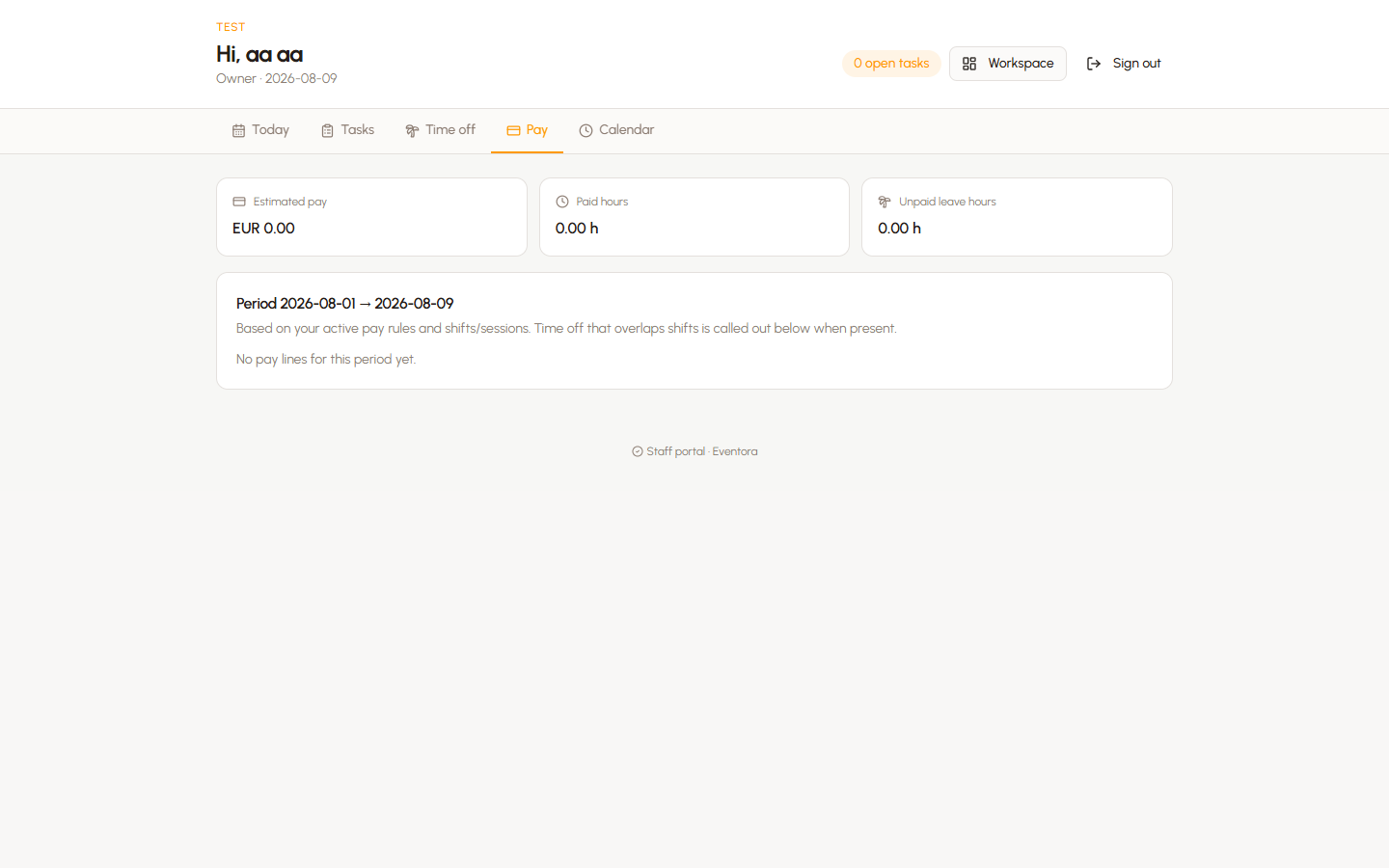
- Pay uses your active pay rules and shifts/sessions for the selected period (default: month to date).
- Time-off days that overlap shifts are called out as unpaid leave hours.
- Pay rules themselves are still managed by admins in Staff Ops.
Request time off from the Time off tab. Absences also appear on the team Staff Schedule.
Calendar subscription
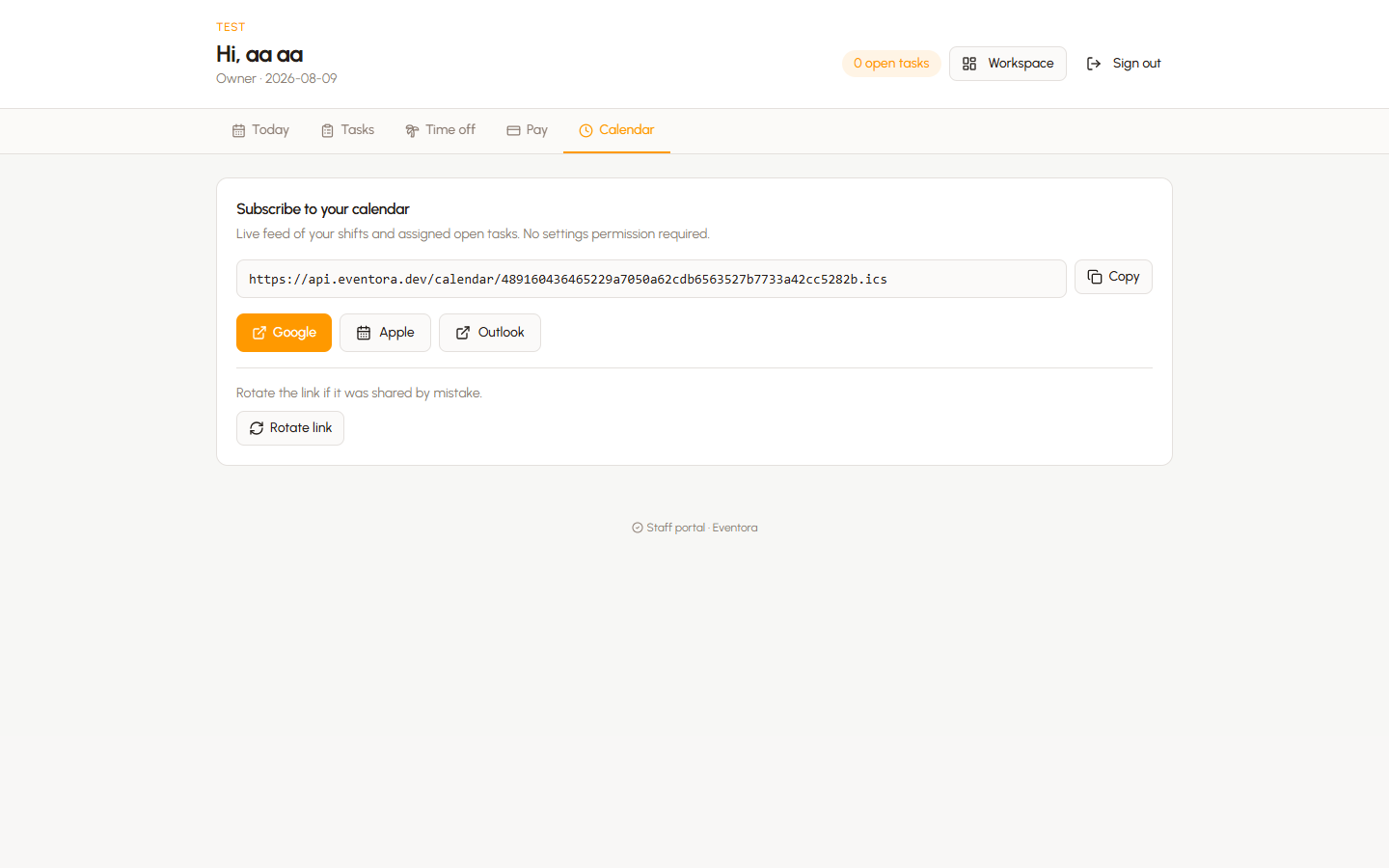
Subscribe once with Google, Apple, or Outlook. The feed is live: each refresh rebuilds open assigned tasks (with due dates) and your shifts.
Task events include guest/contact details in the description when available. Marking a task Done removes it from the feed on the next calendar refresh (clients poll on their own schedule — often hourly).
Workspace
Use Workspace when you need the full Operations / Bookings UI. Permissions still control what you can open there.
Related
- Staff Schedule
- Tasks
- Calendar Sync
- AI Recommendations — instructor offers & assign cards