
Collect & close
Story: The week (or month) is winding down. You want a clear picture of what was booked, what hit the bank, who still owes, and what to hand to accounting — without reinventing spreadsheets.
Outcome: Summary KPIs understood, receivables chased, exports downloaded for the period you care about.
1. Pick one period
Sidebar → Finance
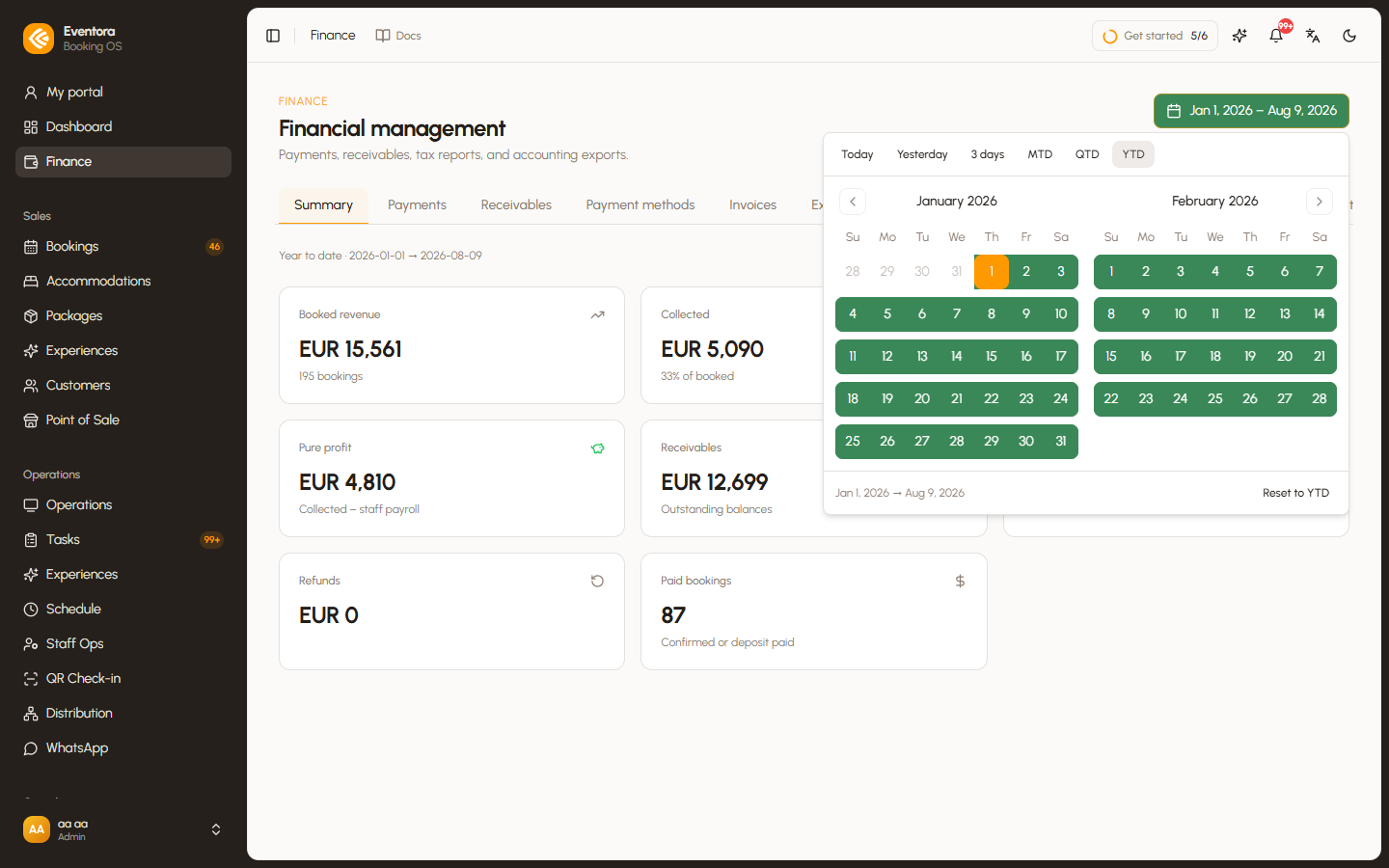
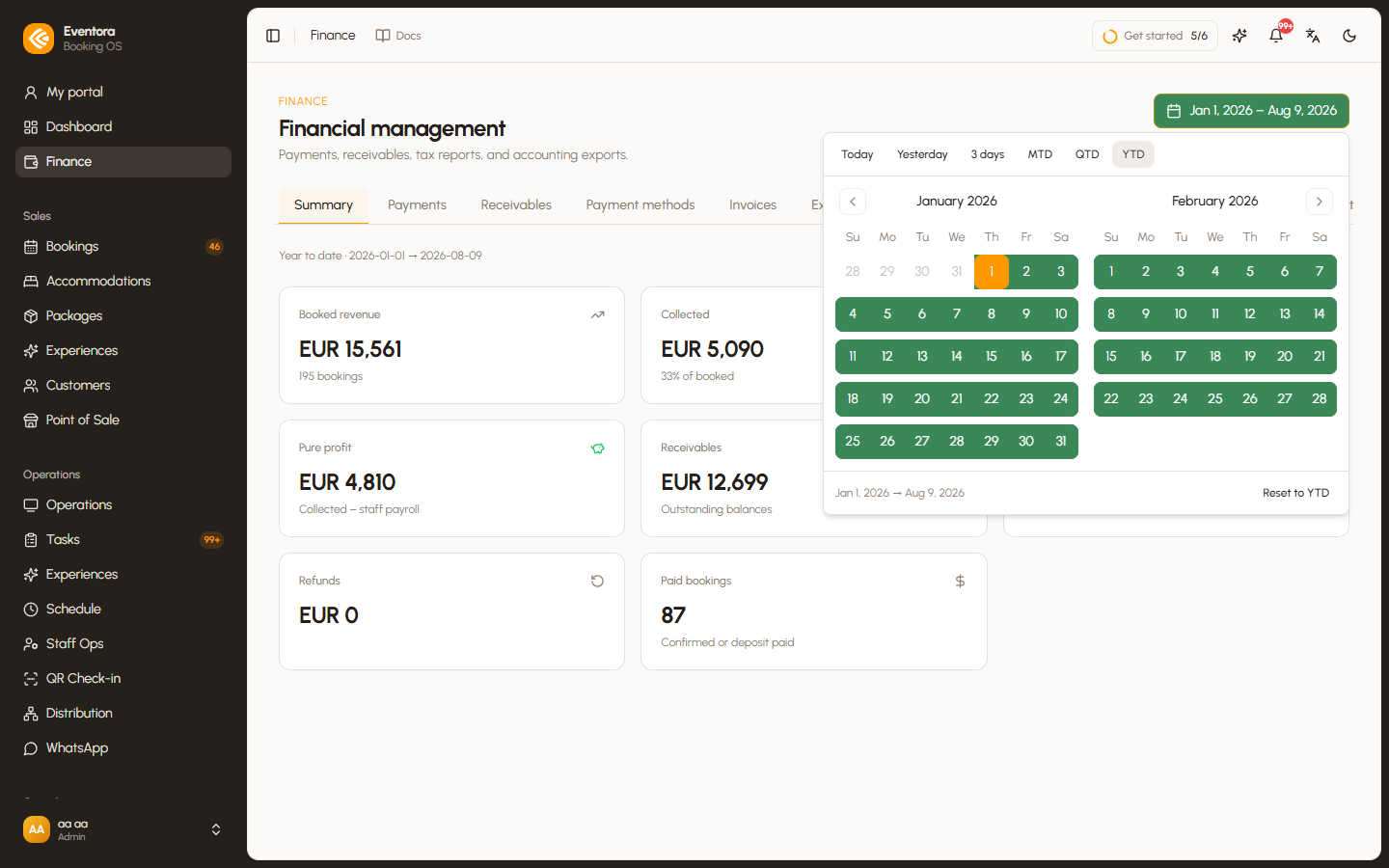
Click the date chip → Today / Yesterday / 3 days / MTD / QTD / YTD (or custom). The choice sticks in the URL (?from=&to=) across Finance tabs.
Mental model
| Number | Uses |
|---|---|
| Booked revenue | Booking created dates in range |
| Collected | Payment paid dates in range |
| Receivables | Always current outstanding (ignores the range) |
| Pure profit | Collected − staff payroll for the period |
2. Chase who still owes
Finance → Receivables
Open balances include remaining booking balance plus open folio extras. From a row: open booking, send payment link, or record a manual payment.
For a prioritized pass, click Close the week:
- AI Recommendations opens with ranked Collect balance cards (and high-risk flags).
- Approve Send on the ones you want emailed (needs Stripe Connect).
- Use the summary card’s export deep-link, or go to Finance → Exports for the same period.
Also useful: Bookings search for a guest, then pay from the detail panel.
3. Review payments
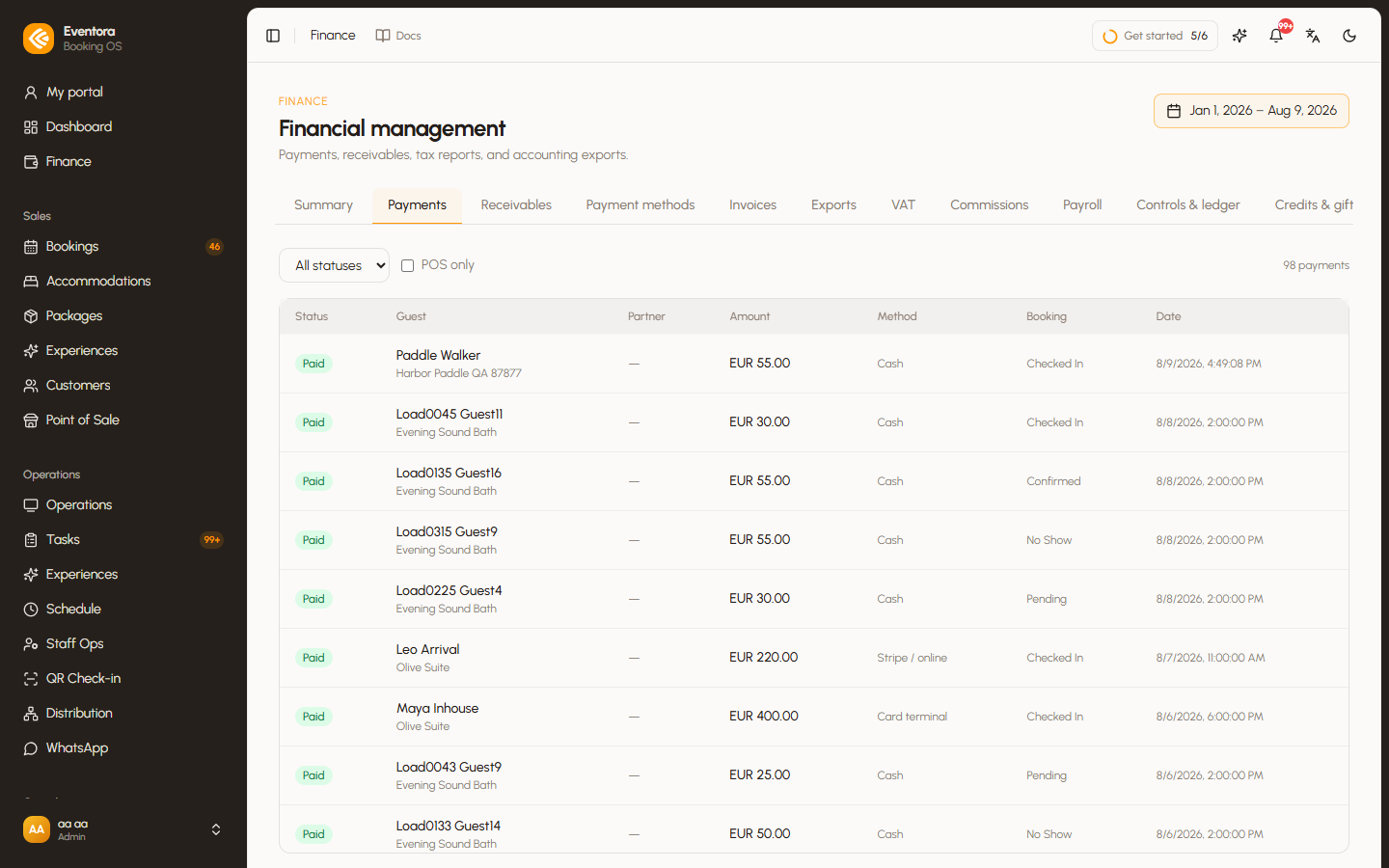
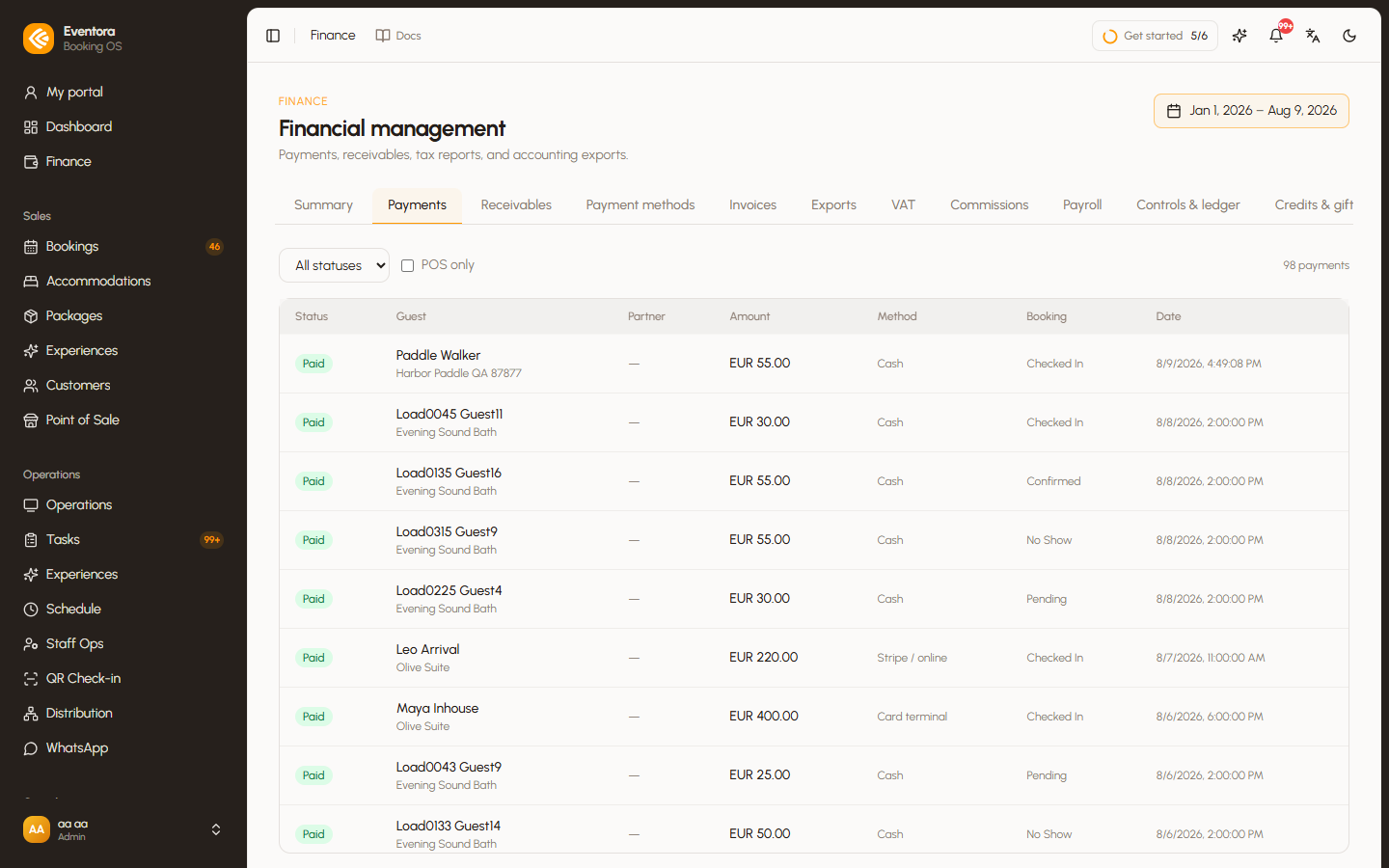
Finance → Payments — filter paid / pending / failed / refunded.
4. Payroll, credits, exports
| Tab | When |
|---|---|
| Payroll | Staff pay owed for the selected from→to (hourly can use session duration hours when no shifts) |
| Credits & gift | Store credit / gift movements |
| Exports | CSV / PDF / Xero / QuickBooks for the period shown |
| Invoices | PDF per booking in the period |
| VAT / Payment methods / Commissions | Year taken from the period end date |
Deeper reference
End-of-week checklist
- [ ] Period set to the window you will report (e.g. last 7 days or MTD)
- [ ] Close the week run (or receivables emptied / next actions sent)
- [ ] Payroll looks right for taught sessions and shifts
- [ ] Export downloaded for accounting
- [ ] Stripe payouts match Collected expectations (settlement timing is Stripe’s)
Related playbooks
- Day-of ops: Run arrival day
- First catalog: Sell the week
- AI collection queue: AI Recommendations