
Tasks
Use Tasks (sidebar) for operational to-dos — turnovers, prep, guest requests, and recurring house work.
Basics
- Create a task with title, due date/time, assignee, category, and notes
- Track open vs done from the list or from Operations
- Auto-generated jobs (pickup, cleaning, meals, lessons) set Assigned by to System / auto
Permissions follow your role.
On the roster & in staff calendars
- Assigned open tasks with a due date appear on Staff Schedule.
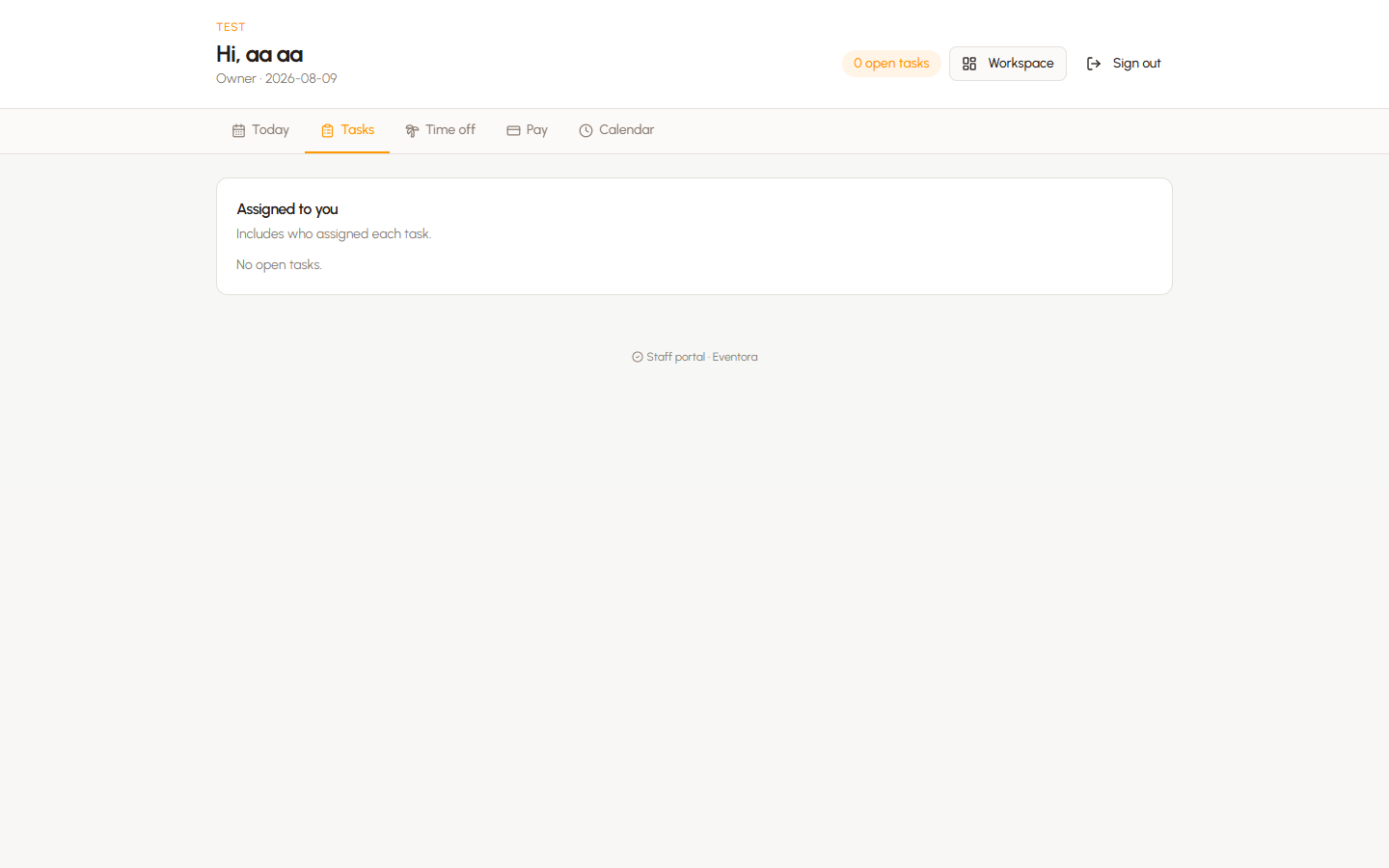
- The same tasks appear in each assignee’s Staff Portal and in their live ICS feed (Google / Apple / Outlook).
When a task is linked to a booking, staff see guest name, phone, and email (plus flight / pickup / party size when captured) in the portal and in calendar event notes.