
Finance
Finance is the money hub after bookings exist — what was booked, what was collected, what is still owed, and what to export to accounting.
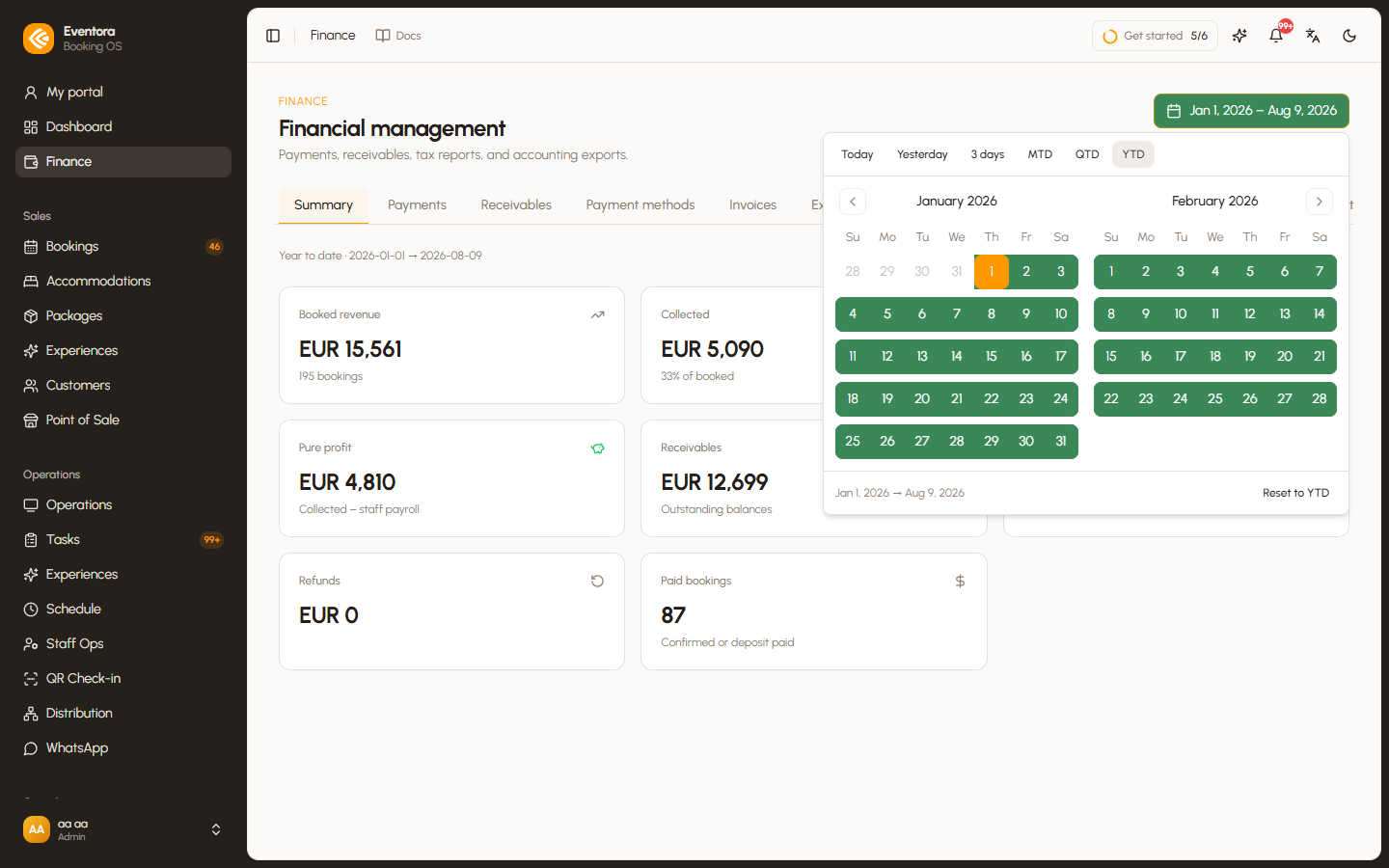
Open it from the top of the sidebar (Finance). Every tab shares one period (Today, Yesterday, 3 days, MTD, QTD, YTD, or a custom range) stored in the URL as ?from=&to=, so switching tabs keeps the same window.
Tabs at a glance
| Tab | What it answers | Period filter |
|---|---|---|
| Summary | Booked vs collected vs profit vs receivables snapshot | Yes |
| Payments | Individual paid / pending / failed / refunded rows | Yes |
| Receivables | Who still owes (including folio extras) | No — always “as of today” |
| Payment methods | Annual mix of how guests paid | Year from period end |
| Invoices | Invoice list + PDF | Yes |
| Exports | CSV / PDF / Xero / QuickBooks downloads | Uses the shared period |
| VAT | Tax report (when a tax rate is configured) | Year from period end |
| Commissions | Partner payouts | Year from period end |
| Payroll | Staff pay owed for the period | Yes |
| Controls & ledger | Immutable ledger / finance controls | Keeps URL period |
| Credits & gift | Store credit / gift balance movements | Keeps URL period |
Period picker (onboarding tip)
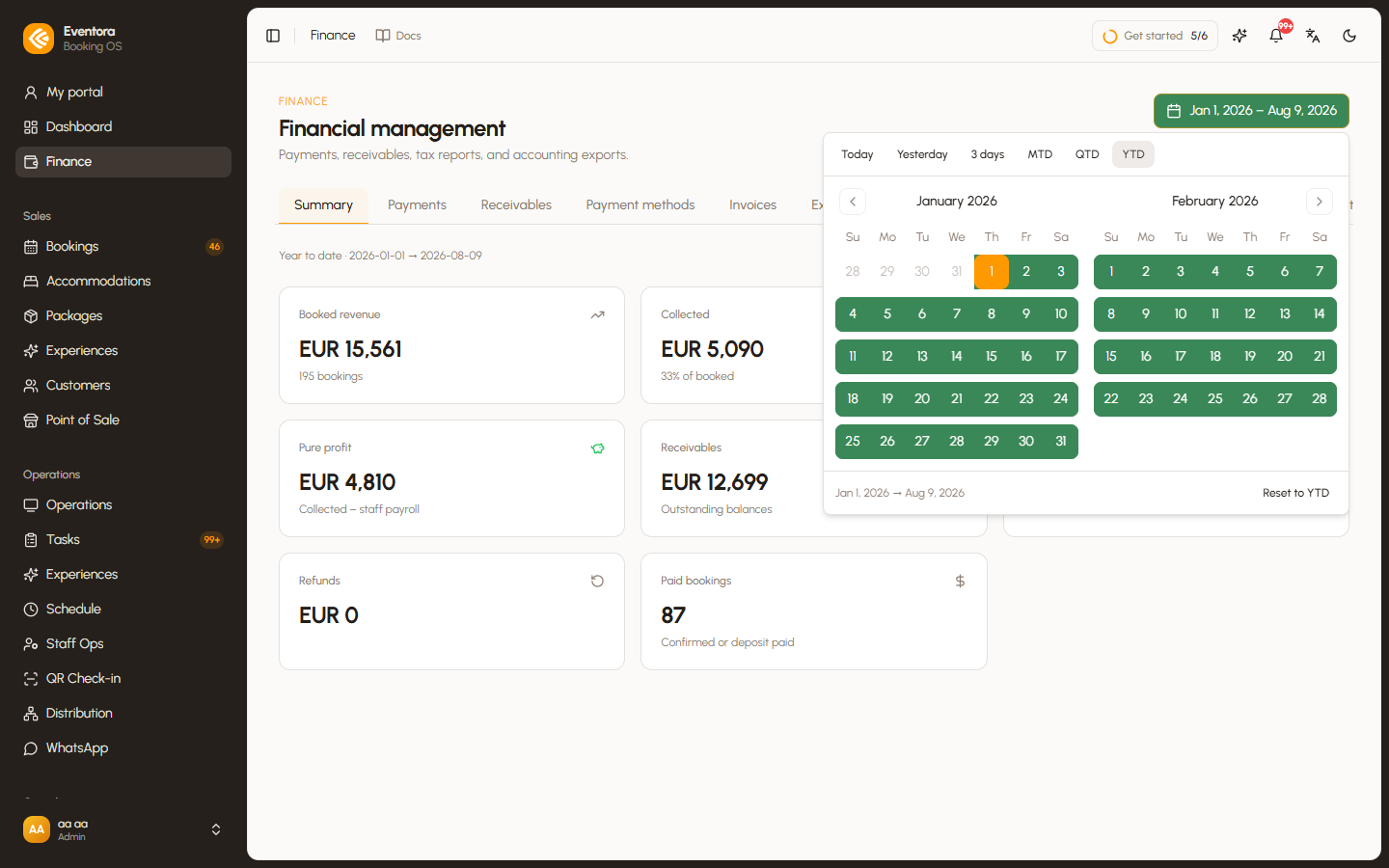
Click the date chip in the header to open presets and the calendar. Clear / Reset to YTD returns to year-to-date.
Mental model
- Booked revenue uses booking created dates inside the range.
- Collected uses payment paid dates inside the range.
- Receivables ignores the range (current outstanding). The UI notes: Outstanding as of today · period filter applies to other Finance tabs.
- Staff payroll subtracts from collected to show Pure profit on Summary.
Period changes move booked/collected; the “still owed” card stays until guests settle. Your KPI amounts will differ from the screenshots — use the cards as the source of truth for your business.
Summary
KPI cards include:
- Booked revenue + booking count
- Collected (% of booked)
- Staff payroll → links into Payroll with the same period
- Pure profit = collected − staff payroll
- Receivables (current outstanding)
- Tax, refunds, paid booking count
Payments
Lists every payment in the period. Use:
- Status filter (paid / pending / failed / refunded)
- POS only — till sales from an open shift (charge-to-room does not appear here)
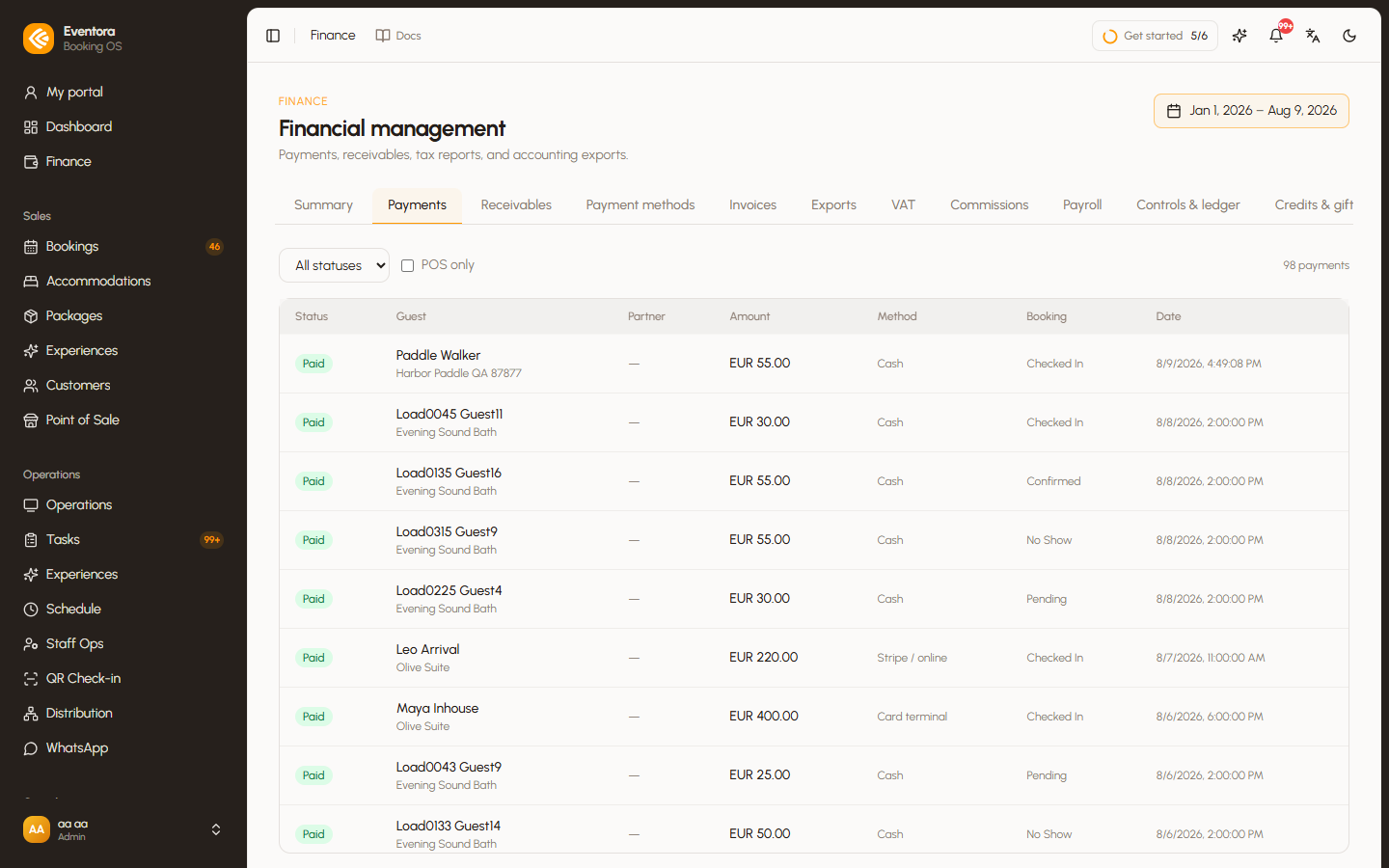
Walk-in cash/card from POS shows a POS badge on the row when linked to a till shift.
Receivables
Open balances for guests who still owe. Due amounts include:
- Remaining booking balance
- Open folio extras (e.g. POS charge to room)
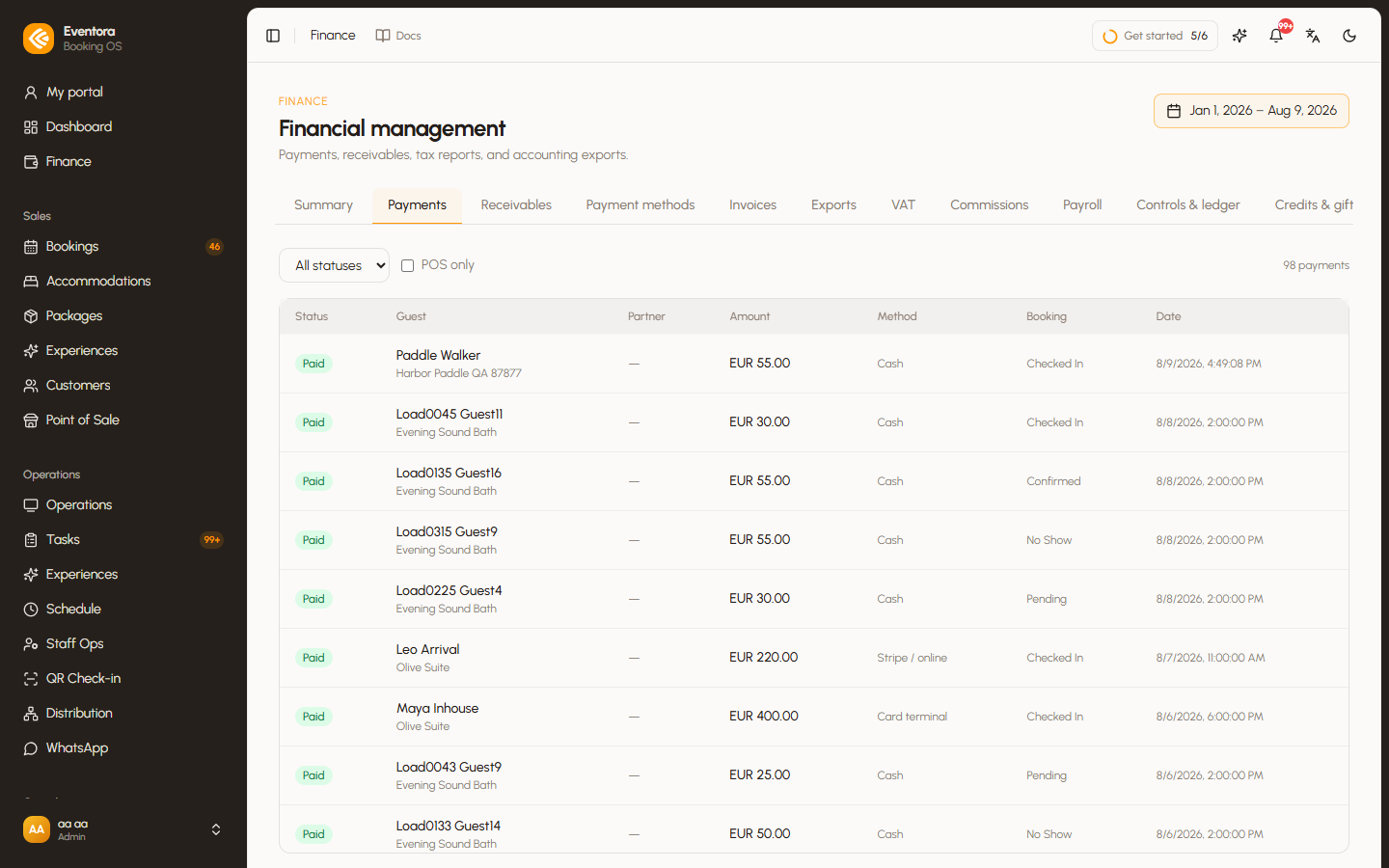
When a stay has both a booking balance and folio extras, the row can show a split (e.g. 30.00+3.00). Fully paid stays drop off the list.
From each row you can open the booking, send a payment link, or register a manual payment (when your role allows).
Close the week
Use Close the week (Finance write permission) when you want a prioritized collection pass:
- Eventora ranks open receivables (amount × proximity to arrival / overdue).
- It creates Collect balance cards under AI Recommendations with drafted dunning copy and high-risk flags.
- A summary card deep-links to Exports for the suggested period.
- Approve Send on individual cards to email the payment link (requires Stripe Connect).
This does not auto-email everyone — you still approve each send (Stage 1).
Invoices, exports, VAT, commissions, payroll
- Invoices — filter by the shared period; download PDF per booking.
- Exports — downloads use the period shown above the buttons (use the period picker above).
- VAT / Payment methods / Commissions — use the year of the period end date (change the range end to switch year).
- Payroll — hours / rates owed for the selected from→to window (hourly rules can use taught session duration hours when no shifts exist).
Stripe & memberships
Guest checkout and payment links settle to your Stripe account. Eventora subscription fees are separate — see Billing. Connect Stripe under Settings → Integrations.
On the class vertical, recurring memberships use Stripe Billing; one-time packages use standard Checkout. See Memberships.
Folio extras
Hospitality stays can carry folio lines (manual extras and room charges). Those amounts:
- Appear on the booking folio
- Increase Receivables until settled
Related
- Story version: Collect & close
- AI Recommendations — Close the week queue
- Bookings
- Billing
- Roles (Finance permission)