
Media Library
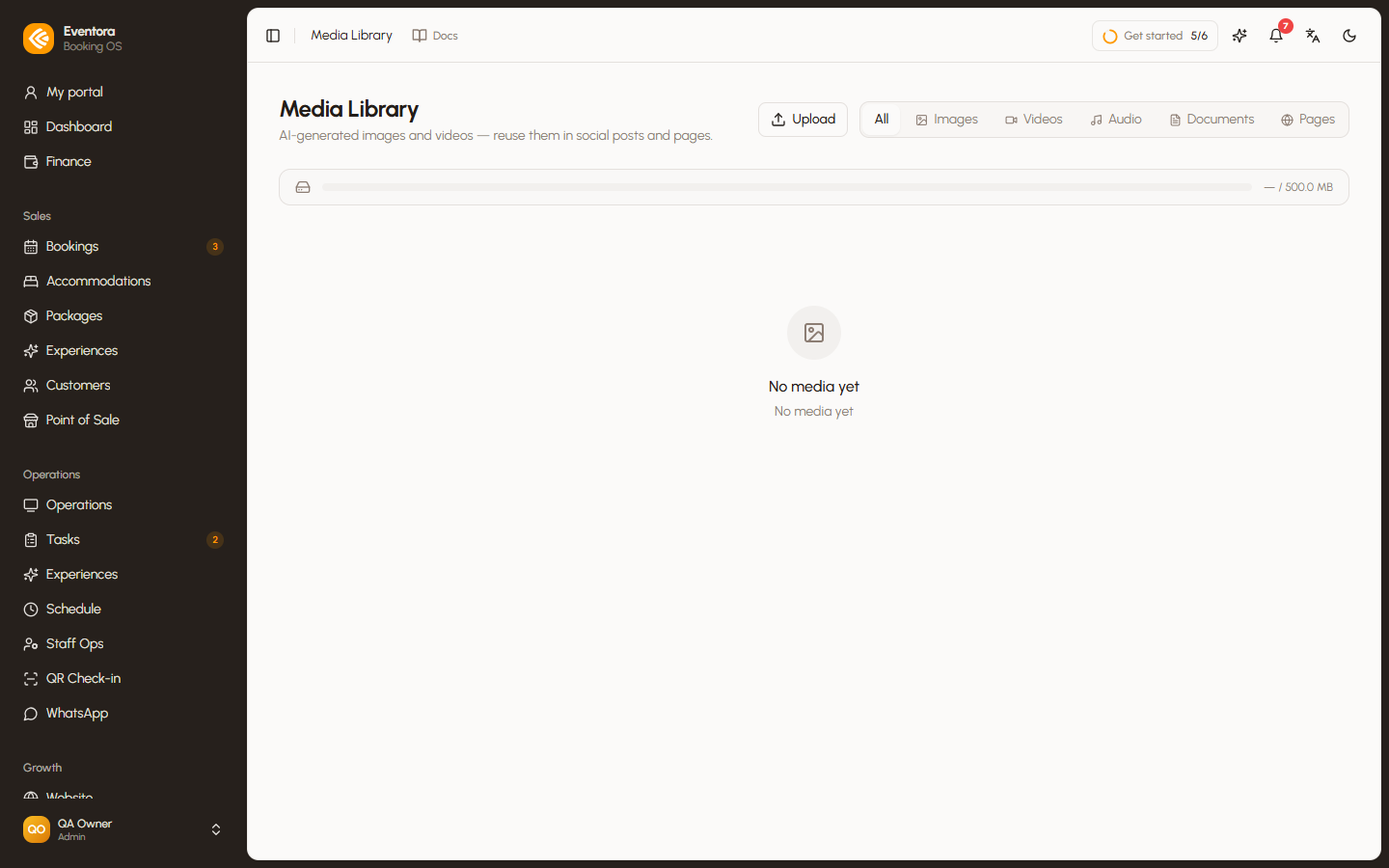
Central store for images, video, audio, and PDF documents used across the website, social posts, and campaigns. Upload once, reuse everywhere — keeps brand assets consistent across booking pages and posts.
Open Media Library from Growth.
Uploading
Click Upload and choose a file. Accepted types: images, video, audio, and .pdf documents. Only users with Growth: write permission see the Upload button and delete controls — read-only users can browse and preview but not modify the library.
A storage bar at the top of the page shows bytes used against your plan's limit, and turns amber/red as you approach it.
Filtering
Filter the grid with the tabs: All, Images, Videos, Audio, Documents, Pages. The Pages tab is a separate view (see below), not a media type filter on the grid.
Media cards
Each thumbnail shows:
- A type badge (Image / Video / Audio / Document)
- An AI-generated badge when the asset was produced by Social image/video generation — see AI transparency
- File size
- On hover: a preview button (opens a lightbox with the full asset, file size, duration for video, upload date, and a Copy URL button) and, for users with write access, a delete button with an inline confirm step
Website Pages view
Selecting the Pages filter switches to a list of the business's website location pages instead of media files. Each row shows the page name, its URL, last-updated date, a Copy URL button, and — if the page is live — a button to open it. Pages that exist as a location but have no published website page yet are flagged Not published.
Pagination
Results are paginated (24 per page); use the arrow controls at the bottom of the grid to move between pages, with a running total shown below.
Real-world scenario
A retreat center's marketing team generates a set of AI images of the property for a seasonal promotion. They open Media Library, filter to Images, confirm the new assets carry the AI-generated badge, copy the URL of the best one, and paste it into the Seasonal Promotion email template's body.
Related
- AI Recommendations — AI transparency for generated assets
- Website — pages built from library media
- Email Templates